
Cortex | Sign Out
Sign out of (exit) Cortex
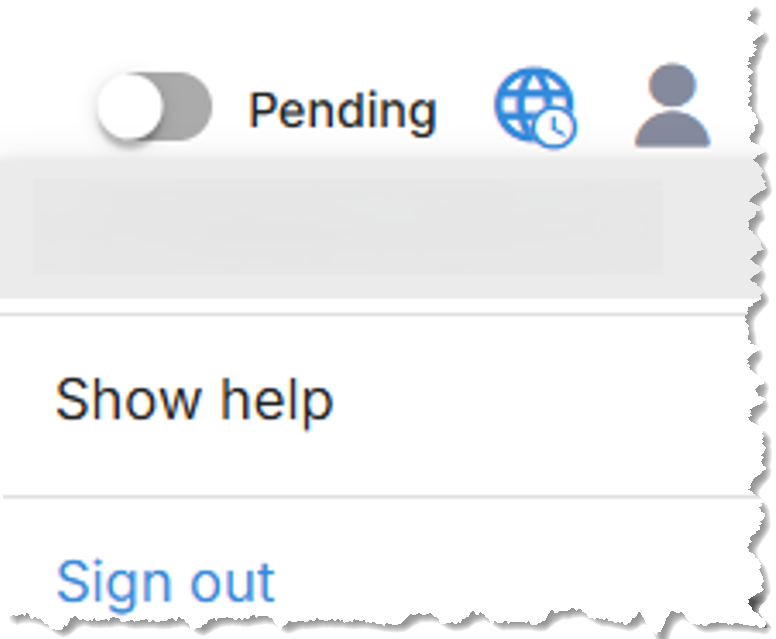
To sign out of (exit) Cortex, in the top right corner of the Cortex Project History or Cortex Budget Builder page, select Sign out from the user menu.
Important. When you finish working in Cortex, you need to sign out to release your license and make it available to another user. If you leave Cortex running in the browser or close the browser without signing out, your license is still in use.